Guests, renters and customers
Messages with hosts, landlords and suppliers
Talk to hosts, landlords and suppliers in one inbox, share photos and files, and find past conversations.
- Updated
- Reading time
- 1 min read
Messages holds your conversations with hosts, landlords, managers and suppliers, grouped by Stays, Rentals and Services.
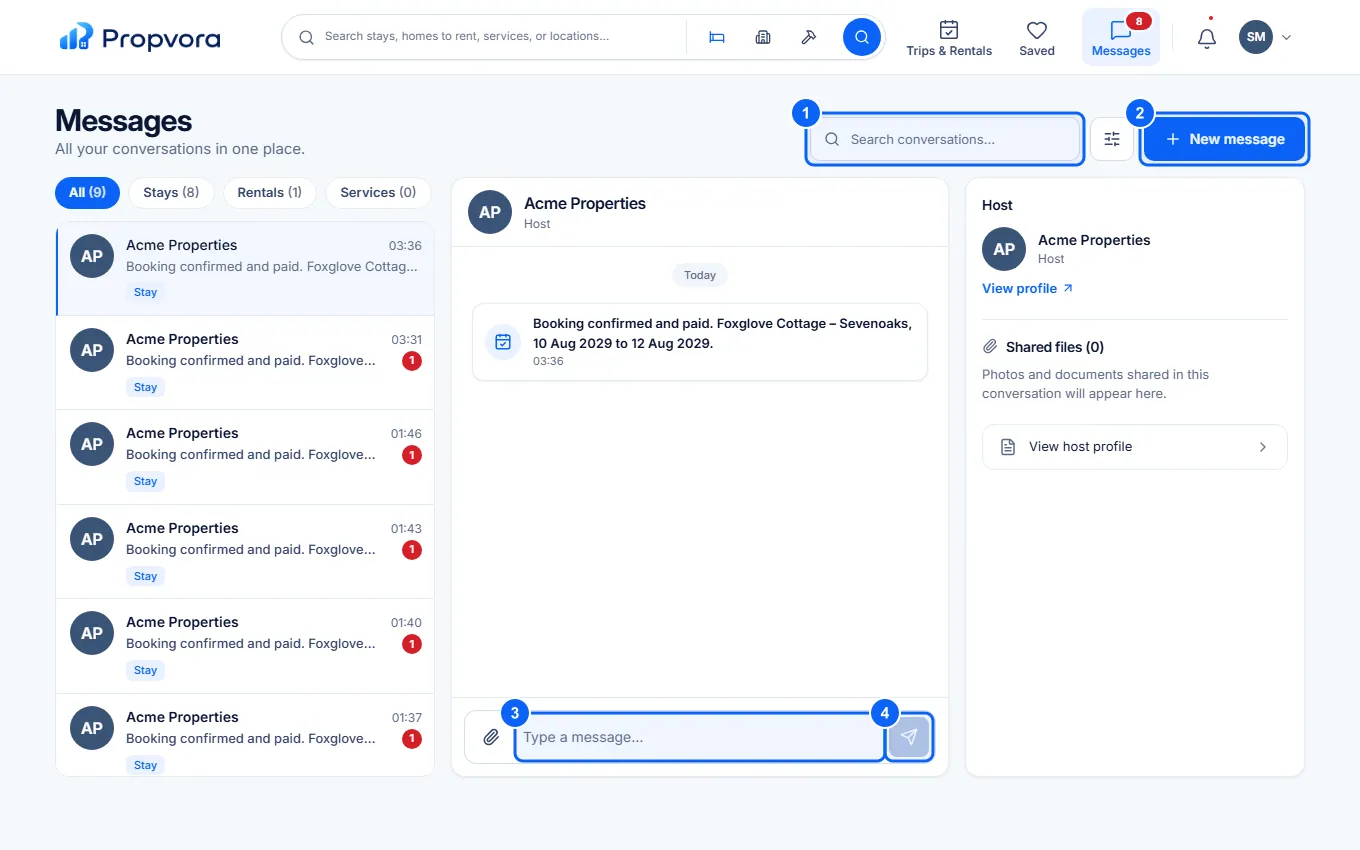 (opens the full-size screenshot)
- Search conversations, or choose Show unread only.
- New message: start a conversation.
- Type in the Message box. Use Attach photos or files to share pictures or documents.
- Choose Send message.
Keep payments inside Propvora: never pay a host or supplier by bank transfer outside the platform because a message asks you to, as Payment Protection only covers payments made through Propvora.